GaitScan

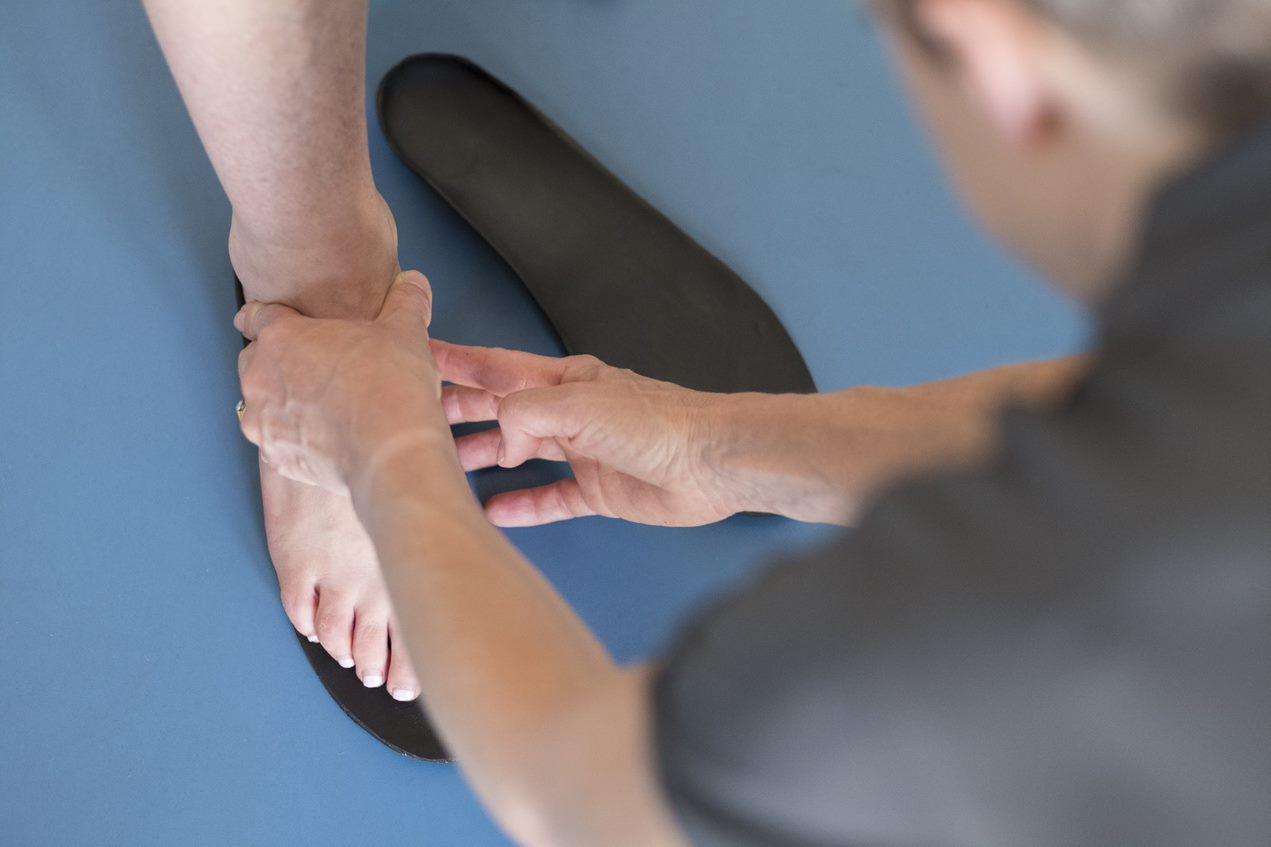
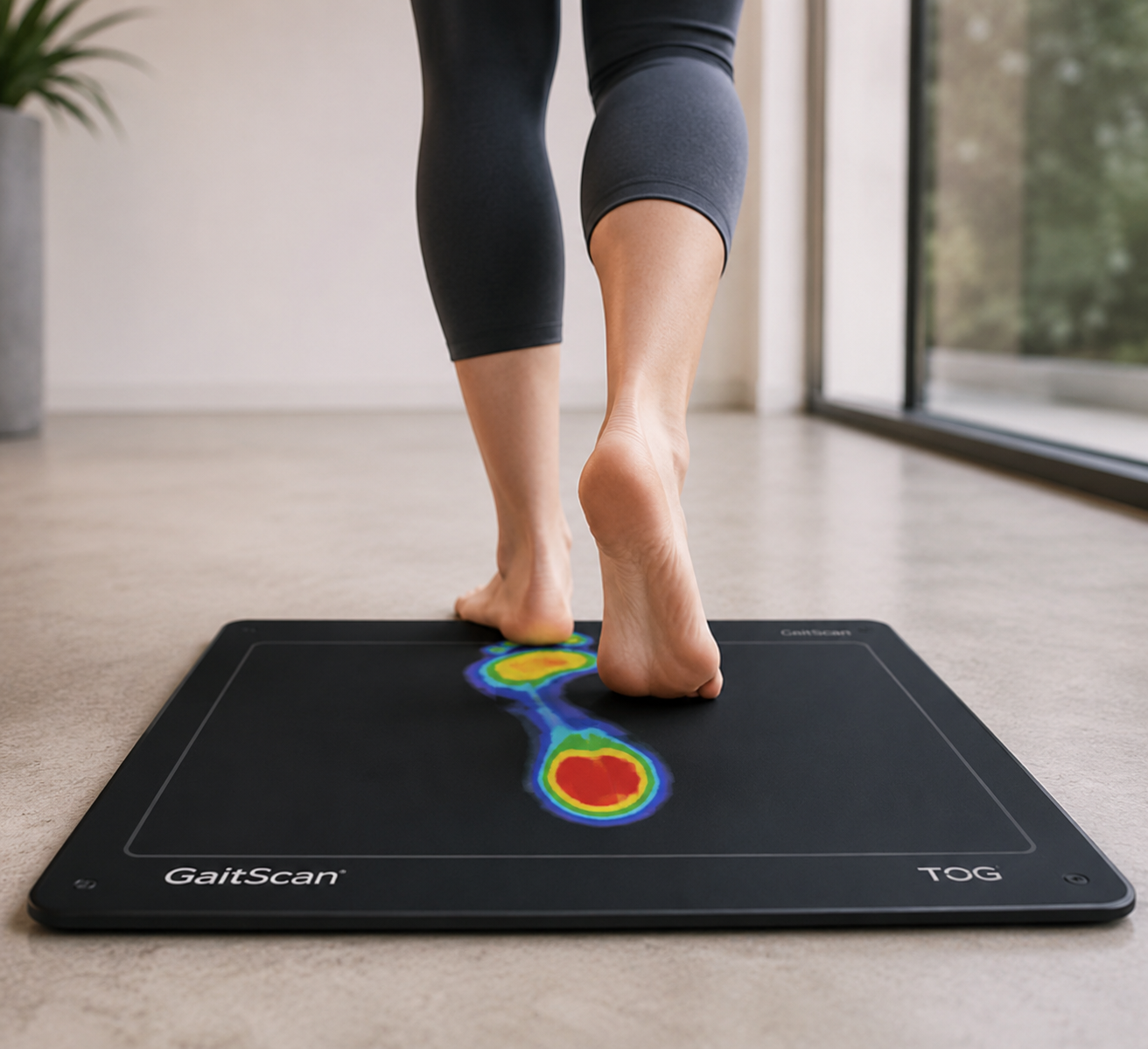
GaitScan™ is an advanced digital foot and gait analysis system that provides a detailed look at how your feet function while you walk. Using thousands of pressure sensors, it captures real-time information about plantar pressure, gait patterns, and biomechanical imbalances, helping practitioners better understand foot function and develop personalized orthotic solutions.

Quality and Innovation From the Very First Step

The GaitScan™ system featuring TOG Client Software is an innovative diagnostic tool and digital casting device that allows practitioners to analyze patient biomechanics and order custom orthotics. With 4096 sensors and a scan rate of 300Hz (frames per second), GaitScan™ is the industry leader in dynamic scanning capability.

With both diagnostic and educational capabilities, GaitScan™ provides a comprehensive biomechanical evaluation for each patient. In-depth, informative reports give you access to over a million data points which break down deviations from optimal biomechanics and assist you in effectively diagnosing and prescribing orthotic solutions for your patients.
GaitScan™ Features

gaitscan

Dynamic Scanning

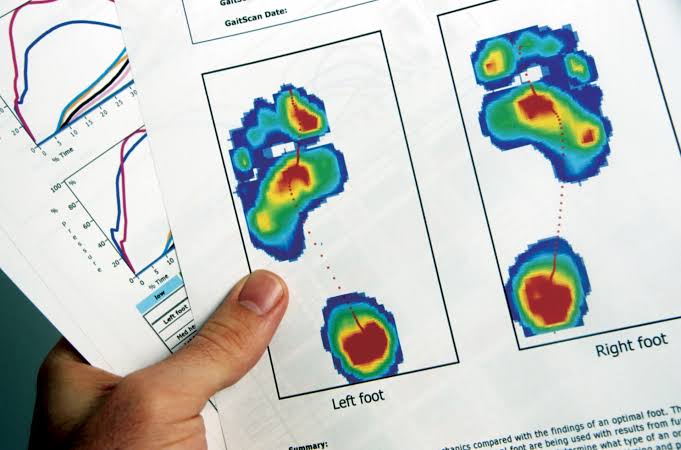
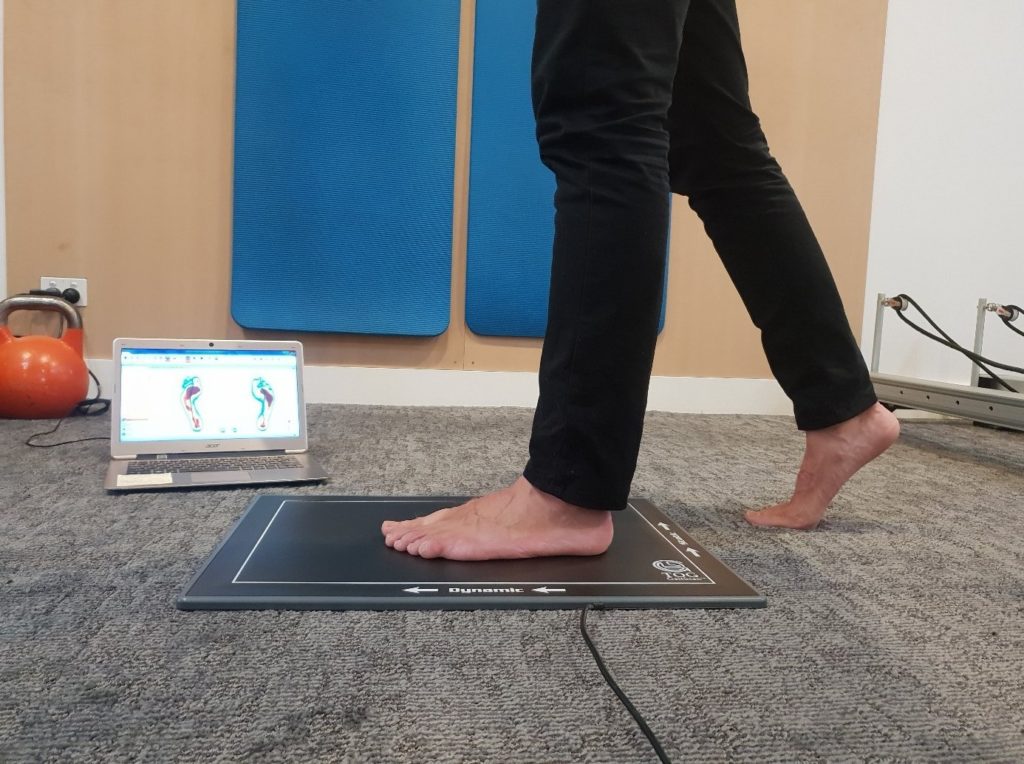
As your patient walks across the GaitScan™ plate, 4096 sensors are set to scan the plantar surface of the foot in motion. The GaitScan™ system records timing sequences during gait and captures the relative pressure for each of the ten distinct anatomical landmarks. The result is the detection of imbalances and other indicators of common lower limb pathologies.
Pressure Mapping

Pressure Mapping

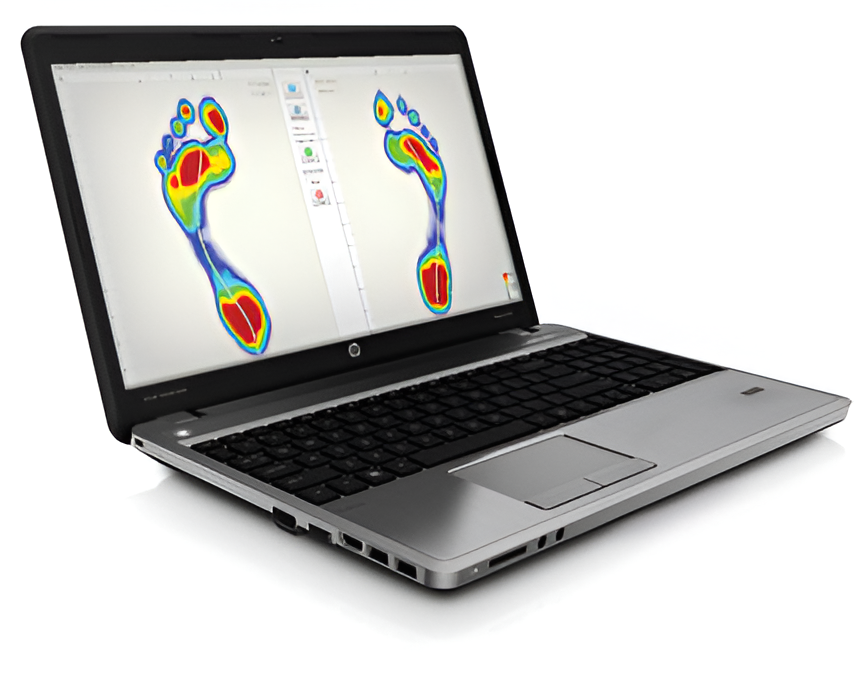
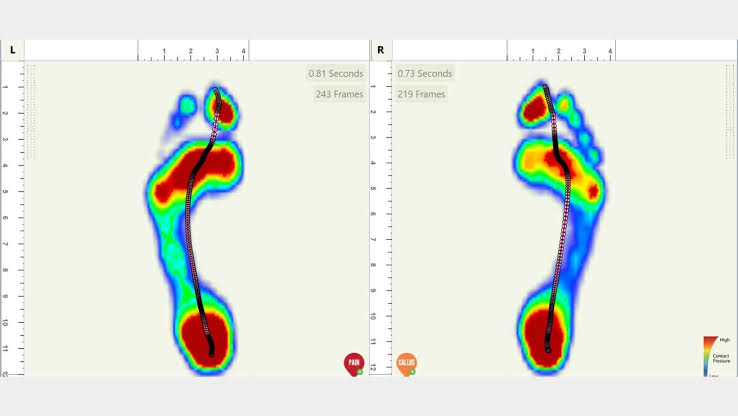
GaitScan™ gives you the ability to view a patient’s plantar pressure distribution in both 2D and 3D. The synchronized mode allows for a direct right and left foot comparison and displays the centre of pressure or “gait line” of the foot throughout the gait cycle. Detailed images allow for the easy identification of high pressure areas and existing biomechanical inefficiencies.
No Cost Reporting

No Cost Reporting

GaitScan™ provides complimentary, ready-to-print dynamic reports that can be evaluated by either the practitioner or our on-site clinical team. These reports can also serve as supporting assessment documentation within your clinic, or for use with the processing of insurance claims.
3d state

No Cost Reporting

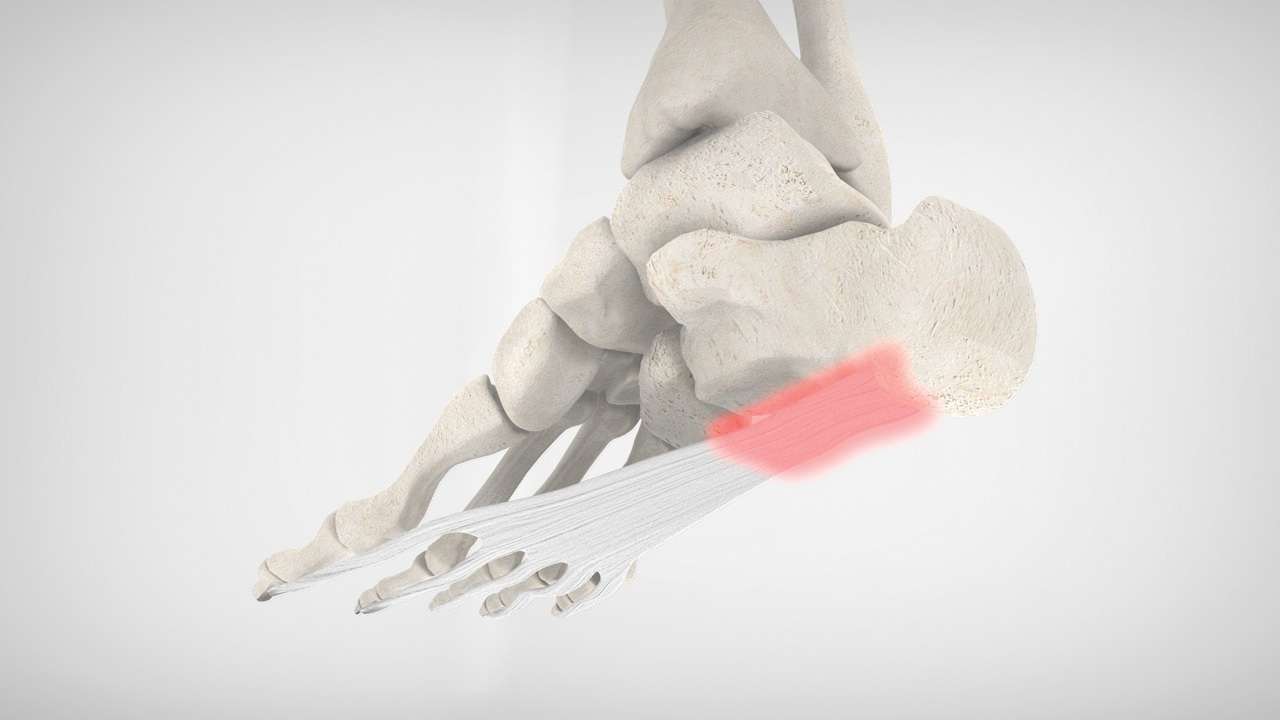
State-of-the-art 3D animations help patients to understand common lower limb conditions and convey the benefits of orthotic therapy.
Portable Hardware and Network Friendly Software

Portable Hardware and Network Friendly Software

GaitScan™ featuring TOG Client Software can be used virtually anywhere. USB connectivity allows for easy off-site usage, while networking capabilities facilitate patient record access in multiple treatment rooms.
Smart Ordering System

Smart Ordering System

TOG Client Software guides you through the entire ordering process. Assistive graphics and a sideboard order summary help you to build your orthotic prescription from start to finish. Patient orders can be transmitted and marketing supplies requested at the touch of a button.

Question & Answers

Is GaitScan™ right for my practice?

The GaitScan system leads the industry from the perspective of dynamic patient evaluation. Each year, hundreds of providers around the world choose to implement GaitScan in their practice to drive new patient prescriptions, improve efficiencies in the office, and educate patients on the value of custom orthotic therapy. With 4096 pressure sensors scanning at a frequency of 300 Hz (frames per second), GaitScan gives you access to over a million data points for analysis, aiding you in accurately diagnosing and prescribing orthotics for your patients. In addition, the team at TOG is dedicated to supporting you and your staff with clinical and technical training, substantial marketing materials, and guidance throughout our partnership.

What are the benefits of using GaitScan™?

  • Helps you to develop a thorough understanding of lower limb biomechanics
  • 3D and 2D plantar pressure views offer superior visual impact for patient education
  • Provides supporting gait analysis documentation for insurance claims or physician referrals
  • Facilitates clinical discussion of patient conditions between practitioners and TOG
  • Online ordering capability streamlines the prescription process

What added value can GaitScan bring to my orthotic treatment protocols?

  • Quantifies examination findings to optimize prescription writing
  • Foot function assessment including plantar pressure and gait cycle analysis
  • Identification of possible limb-length inequalities
  • Diabetic screening tool identifies areas at high risk for potential ulceration
  • Evaluation of patient progress, pre and post treatment

How can GaitScan improve patient awareness of my orthotic therapy program?

Success in building an orthotic practice is dependent upon patient awareness, education, and positive clinical outcomes. By implementing GaitScan, practitioners gain access to a tool that can be used to evaluate the biomechanics of each patient and assess the need for orthotic therapy. Captivating and informative graphics aid in diagnosis and facilitate the easy and effective communication of foot problems to patients. Portability allows for off-site assessments and corporate or community outreach programs. As marketing materials are an integral part of bringing about patient awareness, TOG provides you with complimentary patient brochures, posters, catalogues, and educational videos – to support your work both in and out of the office.

How can I get started?

After working with thousands of healthcare providers around the world, we realize that each clinic and practitioner is unique. In an effort to make GaitScan easily accessible to our partners, TOG has developed a number of implementation programs. Taking some time to speak with our staff will allow us to better understand your needs and help you choose a program that best fits your practice.

Need help?

If you are connected to the internet when you launch TCS, you will automatically be connected to our server. Each time the software is initiated, it may take an average of 2-3 minutes for ‘New Order’ button to light up and become clickable, as updates are being completed in the background.

For this reason, it is suggested that you close and reopen your TCS program each day. Depending on the speed of your internet connection, it may take up to 10 minutes; therefore, we recommend starting TCS at the beginning of the day rather than waiting until you are ready to scan a patient.

If you see a License Expired Message

  1. Ensure that you are connected to the internet.
  2. In the bottom left corner, click on the Settings Tab.
  3. At the top of the screen, click on the Update License Tab(do this with the plate disconnected).
  4. Click Update.